Consider it recorded.
The easiest, most reliable way to record phone calls and voice notes on iPhone. Then ask your recordings what was said.Download Recordkit iOS
Notify of Android Beta
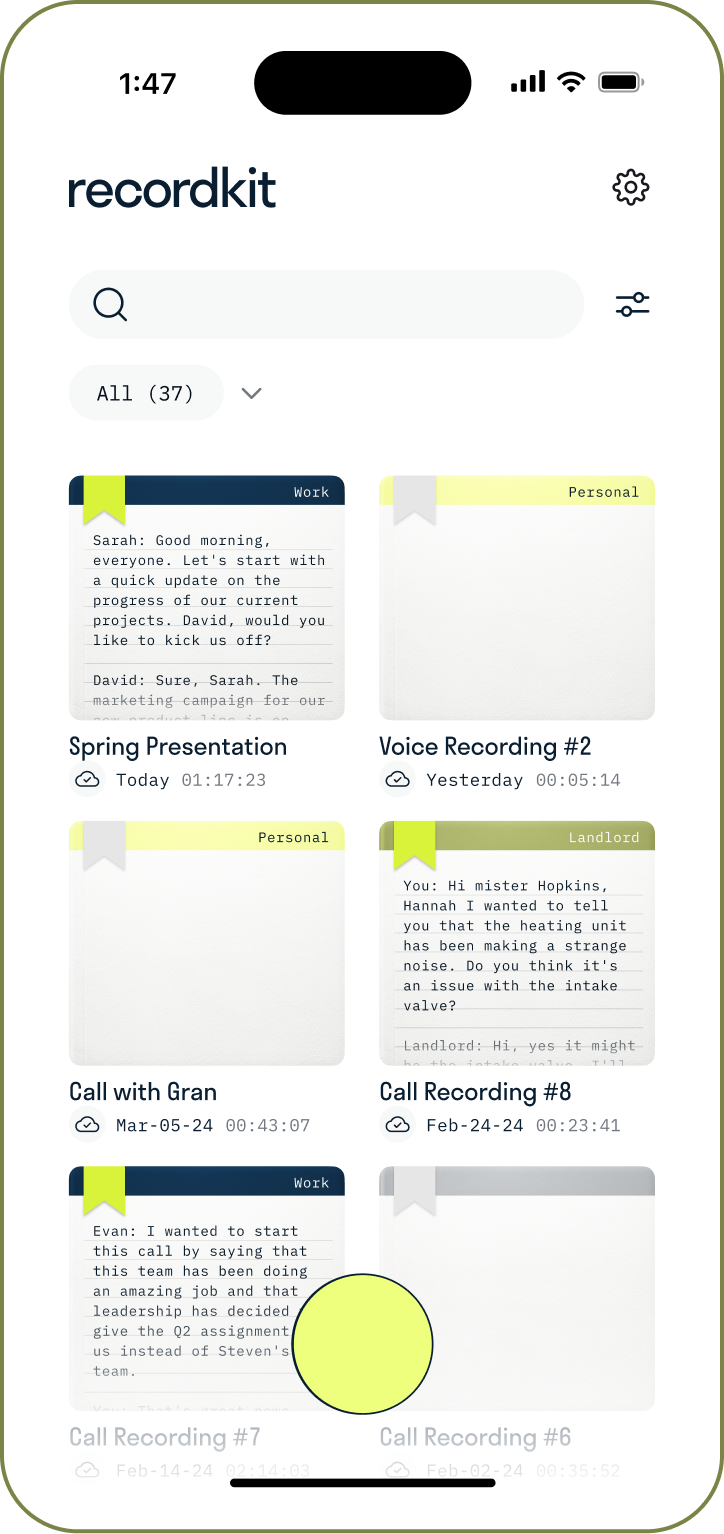
Recordkit remembers the details so you can stay in the conversation. Transcripts, summaries, action items, and now answers: ask your recordings and jump to the exact moment it was said.
FEATURES
Uncomplicate incoming and outgoing phone call recording and voice notes with Recordkit's easy-to-use features.
Call recording that feels as second-nature as placing or picking up a call. Add Kitt to the line and talk.
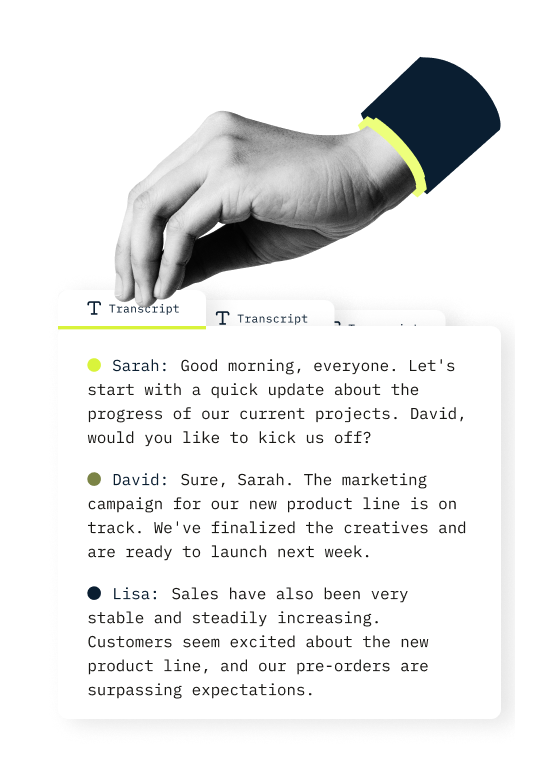
AI transcribes your call recordings and voice memos into call notes you can save, edit and share any time.
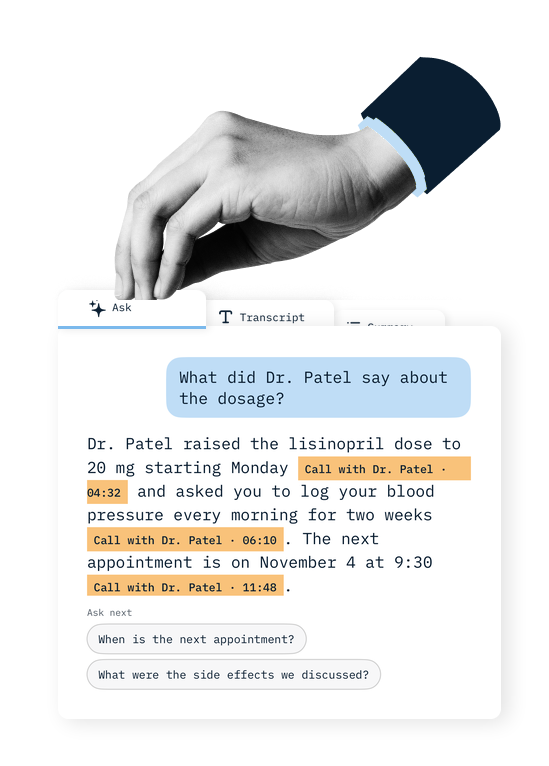
Ask what Dr. Patel said about the dosage. Kitt answers from your transcripts, with a timestamp that opens the recording at that moment.
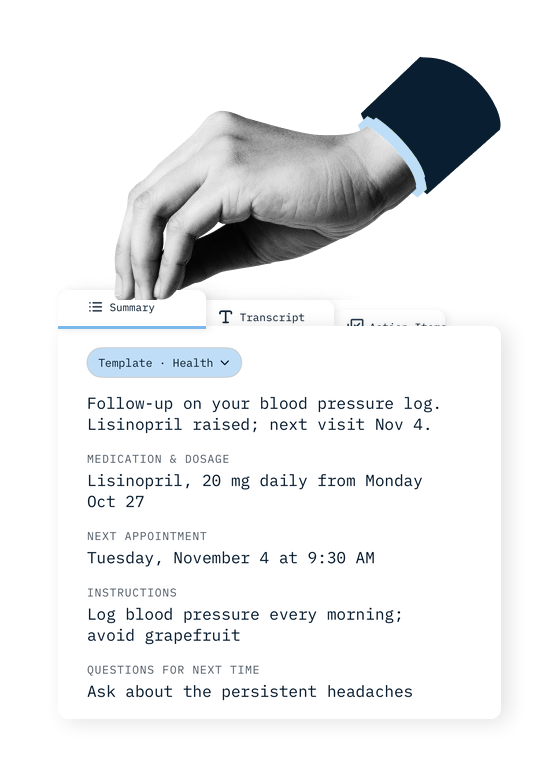
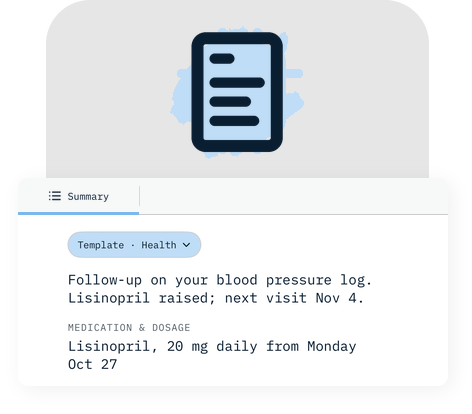
A doctor call and a sales call need different notes. Pick one of eight templates, from Health to Sales, and the AI summary and action items take its shape.
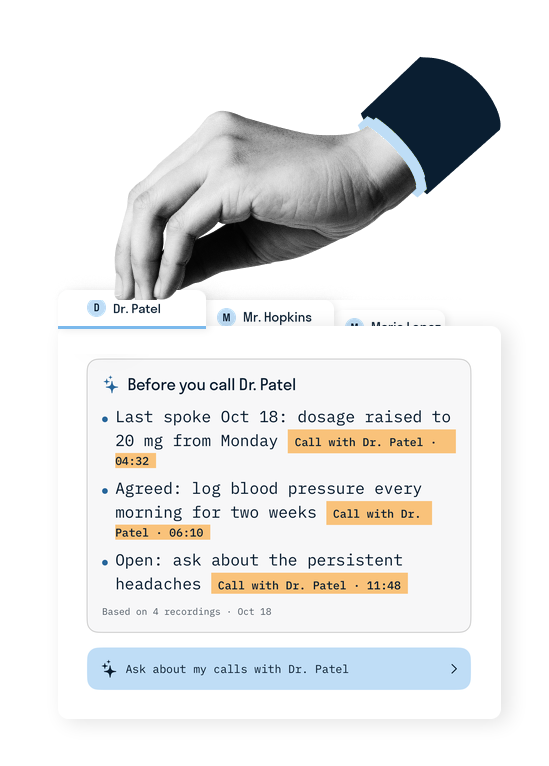
Tag who each call was with. Next time you call them, Kitt shows what you agreed last time and what is still open, before you dial.
Every word is captured in clear audio. When the notes are not enough, go back to the recording itself.
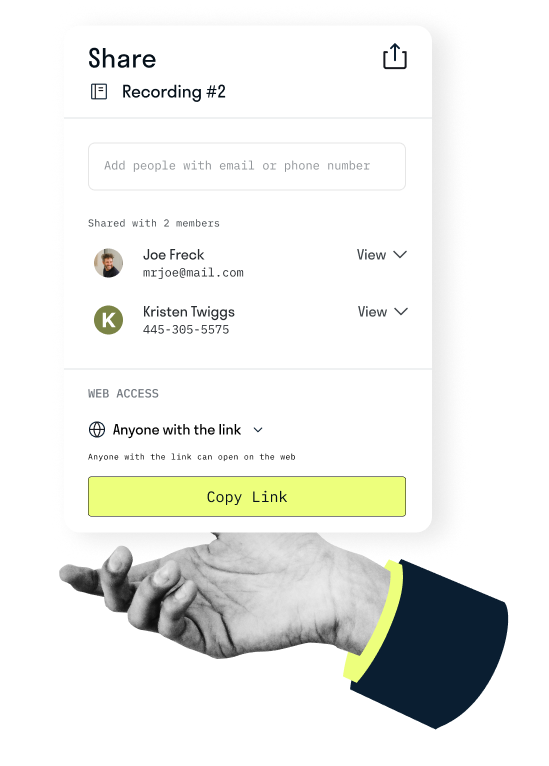
Recordings are encrypted at rest. Share them to Google Drive, Dropbox and more, or send a link with password protection.
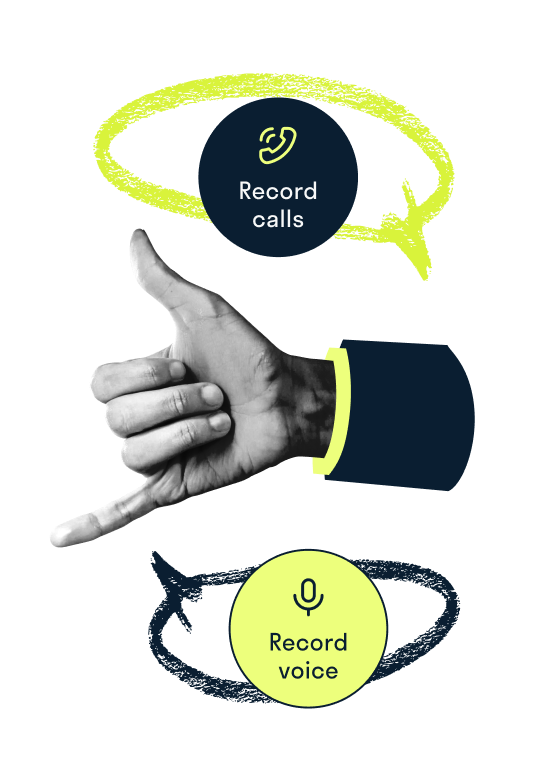
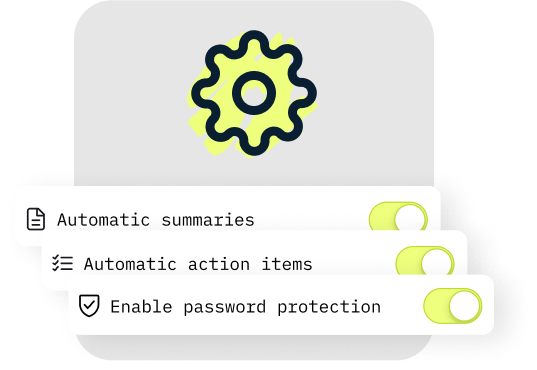
Only Recordkit allows you to control how you want to use your call recorder app. Select from a variety of configurations to make your recording and transcription experience as easy as possible.
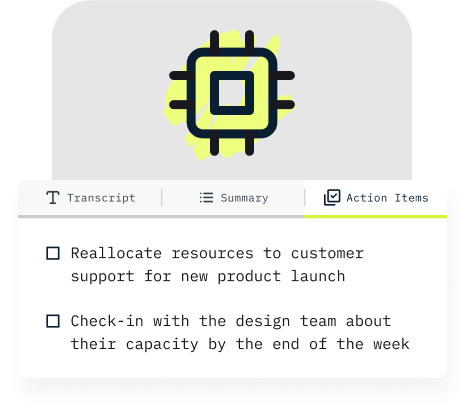
Skip the hassle of call notes with Recordkit's AI-powered transcriptions. Effortlessly transform your calls into organized notes and actionable tasks at any time.
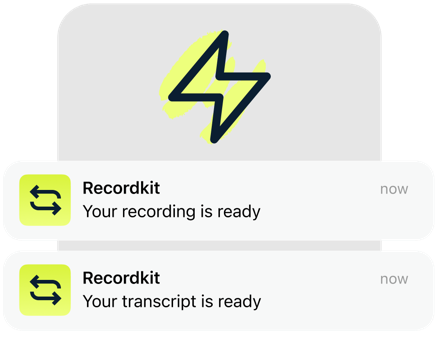
You move fast, your call recorder should too. Recordkit Premium processes and transcribes your important recordings within minutes - giving you access to the details you need, when you need it.
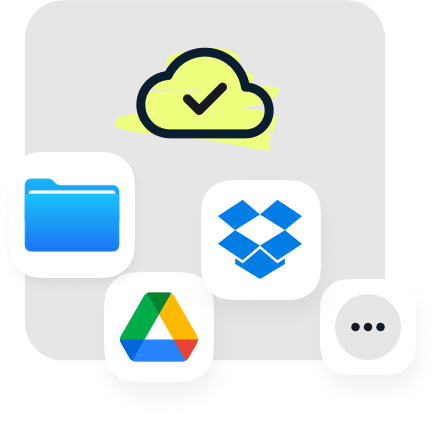
Safely store, reference, and organize your important call details with Recordkit's encrypted cloud storage. Seamlessly share stored recordings with your favorite apps - Google Drive, Dropbox, and many more.
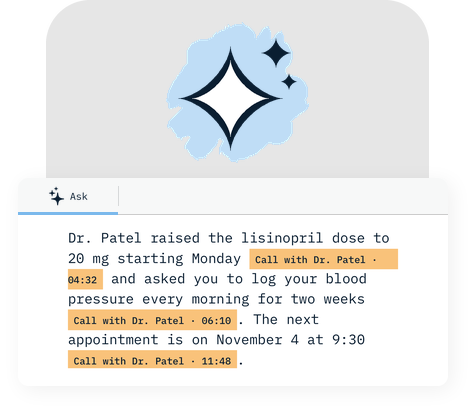
Ask “What did Dr. Patel say about the dosage?” and Kitt answers from your transcripts and summaries, with a citation like “Call with Dr. Patel · 04:32”. Tap it and the recording opens at that moment. Ask about one recording, one person or all of them. Premium.
A clinic call needs medication and the next appointment. A landlord call needs amounts, dates and commitments. Pick one of eight templates and Kitt regenerates the summary and action items to match. Name a recording “Dr. Patel” and Kitt preselects Health. Premium.
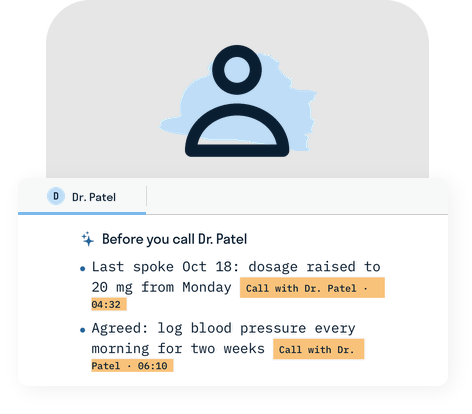
Tap “Record call”, pick who you are calling, and Kitt shows where you left off: when you last spoke, what was agreed, what is still open. Each line opens the exact moment in the recording. The new recording is tagged to them. Premium, after one transcribed call with them.
With Recordkit, every important detail from your calls or voice memos is securely and accurately documented. Stay fully engaged in your conversations with Recordkit today.
Download Recordkit
Recordkit requires a subscription to use its recording features, and offers a free 7 day trial to try it out. Plans start at $5/month and can be canceled any time.